

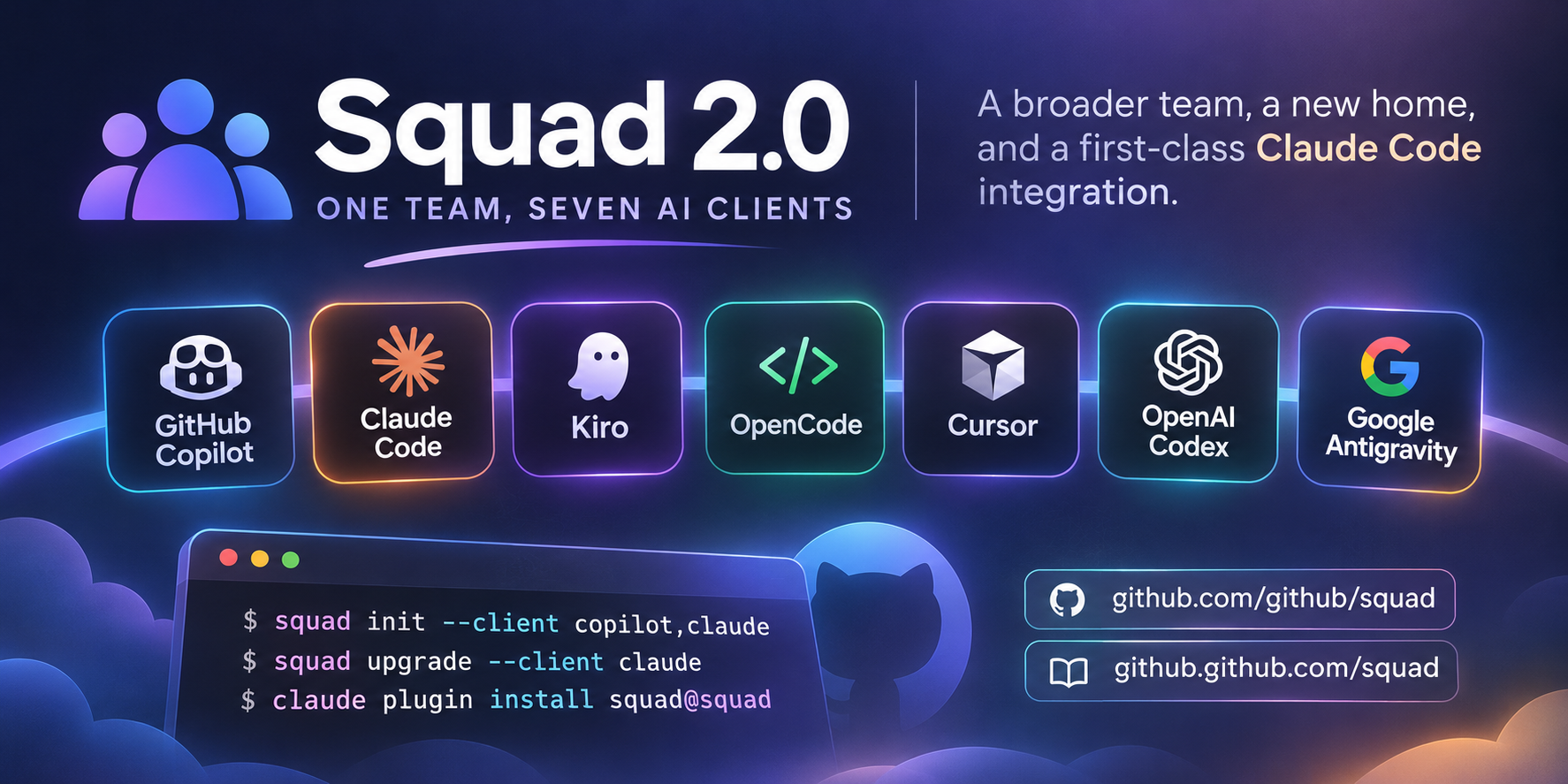
Squad 2.0 is here. We moved to github/squad, and your team can now work across seven AI clients without starting over in each one.
If you’ve been following bradygaster/squad, that’s the repo we moved. The guides and docs have a new home, too: github.github.com/squad.
Your installation process hasn’t changed. Squad 2.0 still ships on npm as @bradygaster/squad-cli under the bradygaster namespace:
npm install -g @bradygaster/squad-cli@latestWe plan to move the npm distribution in the future, but there’s nothing you need to change now. We’ll give you ample warning before that happens.
One team, seven AI clients
With Squad 2.0, one team can work across GitHub Copilot, Claude Code, Kiro, OpenCode, Cursor, OpenAI Codex, and Google Antigravity.
Your charters, routing, skills, and team state remain the shared foundation. Squad generates client-native configuration so your team can use the tools each host supports—without requiring you to maintain a separate Squad for every client.
For a new project, choose clients with squad init --client. To add clients to an existing team, use squad upgrade --client.
Want to use Copilot and Claude Code?
squad init --client copilot,claudeAlready have a Squad and want to add Claude Code?
squad upgrade --client claudeAdding a client is opt-in. If your project is set up for Copilot alone, it stays that way until you add another client.
Our guide to using Squad across clients walks through the supported hosts and their setup.
Meet your team in Claude Code
Squad’s Claude Code support goes beyond generating a coordinator file. The Squad Claude Code plugin brings the coordinator, shared-state MCP server, on-demand skills, slash commands, and opt-in advisory governance hooks into Claude Code. Squad can also generate native member subagents from your team definitions.
The plugin includes commands like /squad:status, /squad:cast, and /squad:ralph, along with a local dashboard for following coordinator and member activity.
To get started:
npm install -g @bradygaster/squad-cli@latest

claude plugin marketplace add github/squad
claude plugin install squad@squad --scope project

squad init --client claude --claude-plugin
Prefer the standard Claude Code configuration without the plugin? Use squad init --client claude. See the Claude Code plugin guide for both approaches.
A Claude execution adapter, too
Squad 2.0 also includes an experimental Claude Agent SDK execution harness: ClaudeAgentSdkHarness. It runs conversation turns through the Claude Agent SDK, alongside the Copilot SDK harness, and gives developers a concrete execution adapter for building on Squad’s backend and harness contracts.
You’ll need the optional @anthropic-ai/claude-agent-sdk dependency and an API credential to use the Claude harness. The SDK extension contracts are still experimental, and we haven’t hooked up a remote durable backend yet.
The plugin and the execution harness serve different needs: the plugin brings your Squad into Claude Code, while the harness lets developers run turns through the Claude Agent SDK.
A new home for Squad—and its docs
The move to github/squad gives Squad a new repository home. The new documentation site brings setup, feature guides, multi-client instructions, and upgrade guidance together in one place.
Start with the installation guide, explore Squad across clients, or read the complete 2.0 release notes.
The repository has moved; the npm package has not. Keep installing @bradygaster/squad-cli as you do today. We’ll let you know well ahead of time if that changes.
Stronger foundations for teams that stick around
Squad 2.0 also improves the foundations that help your team keep working reliably.
Safer upgrades. Template updates are idempotent and preserve verified backups. Dry runs report planned changes without performing installations or migrations, and ambiguous legacy casting records are left unchanged rather than guessed.
More reliable memory. Memory migration to the orphan and two-layer state backends is transactional, with shared locking across processes and worktrees. CLI memory operations and MCP searches use the same backend-aware governed store.
Optional coordination across machines. squad watch can claim work through a Git ref, helping multiple workers coordinate who picks up an item. Claims are disabled by default.
These aren’t the flashiest parts of a release. They matter when Squad becomes something you use every day.
Squad, right in GitHub.com
There’s more on the way. A new Squad agent instruction has just landed on the dev branch to make it easier to bootstrap Squad right in the GitHub.com interface—without needing to run a CLI or set up a separate harness.
That instruction is on dev, not part of the v2.0.0 release. It’s a glimpse of how we want Squad to become easier to start wherever you already work.
Before you upgrade
Squad 2.0 is a major release, and there are a few breaking changes to know about. We’ve removed personal squads, consult mode, and the global squad (--global). If you’ve configured multiple upstream entries, the earlier ones now take priority.
Read the upgrade guide before upgrading an existing team. The current installation command remains:
npm install -g @bradygaster/squad-cli@latestSame team. More possibilities.
Squad started with an idea: AI agents become more useful when they work as a team—with clear responsibilities, shared context, and continuity.
Squad 2.0 takes the next step. Your team can meet you in more of the tools you use, and the Claude Code integration takes advantage of its native features without leaving your team’s identity behind.
We’ve also moved Squad to a new home and brought its documentation along. The repository URL has changed; your install command hasn’t.
Choose your client. Bring your Squad.